
Presentation Mode
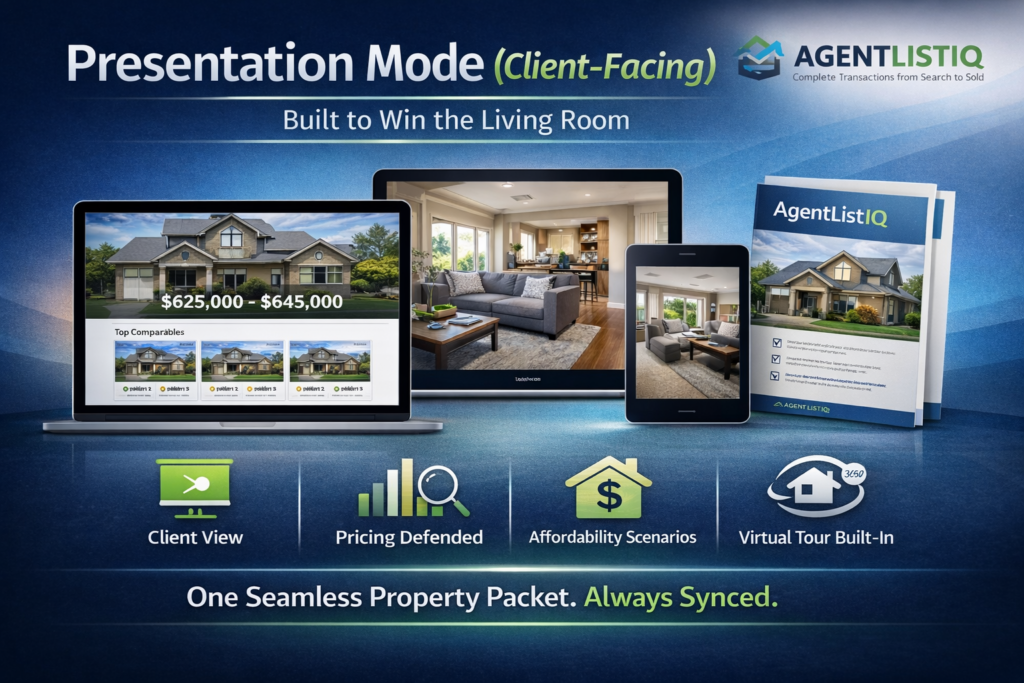
Presentation Mode (Client-Facing) — Built to Win the Living Room
Presentation Mode turns your pricing work, comps, affordability scenarios, and media into a clean, guided, client-ready experience—without jumping between apps or Frankensteining PDFs at 11:47pm.
Instead of “Here’s a CMA… and here’s a separate tour… and here’s a spreadsheet…,” AgentListIQ presents everything from one synchronized property packet powered by the same data behind your pricing and listing execution.
What Presentation Mode Includes
1) One-Tap “Client View”
- Full-screen, distraction-free interface designed for in-person meetings, Zoom screenshares, or open houses
- Big visuals, simple navigation, and a guided flow so you control the story (not the scroll)
2) Pricing Story That’s Easy to Defend
- Clean pricing range display with the “why” behind it
- Comp-driven rationale that matches your CMA logic (no manual re-typing, no mismatched numbers)
3) Comparable Showcase Tools
- Highlight comps with side-by-side comparisons (features, adjustments, and pricing context)
- Switch between “Top Comps,” “Backup Comps,” and “What-if” comp sets to handle objections smoothly
4) Market Context (Without the Chaos)
- Quick visuals for local trends (days on market, price movement, list-to-sold behavior—where available)
- Helps clients feel the market, not just hear a number
5) Buyer Affordability Scenarios (Client-Friendly)
- Present multiple payment scenarios (down payment, rate assumptions, taxes/HOA estimates, etc.)
- Clear labeling so it’s informational and not mistaken for a loan approval
6) Built-In Media + Automated Virtual Tour
- Present listing photos and a guided virtual tour generated from the property’s media + metadata
- Keeps the experience polished without relying on a separate tour platform
7) Branded Client Packet Output
- Instantly generate a client-ready property packet from the same synced data
- Share via link, email, or downloadable format for clients who want to review later
8) Always Synchronized (No Pricing Drift)
- When pricing inputs, comps, listing data, or scenarios change, Presentation Mode updates too
- Your presentation stays aligned with execution—because it’s coming from the same property object
Why Agents Use It
- More trust: Clients understand the “why,” not just the number
- Faster decisions: Clear comps + clean scenario options reduce back-and-forth
- More professionalism: Looks like an enterprise platform, not a patchwork
- Less rework: No duplicate data entry across CMA → listing → presentation → packet